



TL;DR
Yes, many cars can have Apple CarPlay fitted. First, check whether your iPhone already opens CarPlay via USB or wirelessly. If you need an upgrade, your stereo determines whether you can activate CarPlay, add a module behind the dash or fit a new head unit. A portable screen is another option if you want to keep the original radio. Before you agree to a quote, confirm which camera views and steering wheel buttons you’ll keep.
Your iPhone plays music through the speakers, but the map stays on your phone. It’s a familiar reason to ask ‘Can CarPlay be installed in my car?’ The Bluetooth connection tells you the stereo can handle audio. To find out whether it can display Maps too, start with the system already in your dashboard.
1. Check whether your car already has Apple CarPlay
Start with Apple’s list of CarPlay models for your model and year, then check the owner’s manual for your Australian variant. If a previous owner changed the stereo, check the manual for that unit instead. With the car parked, try the connection it supports.
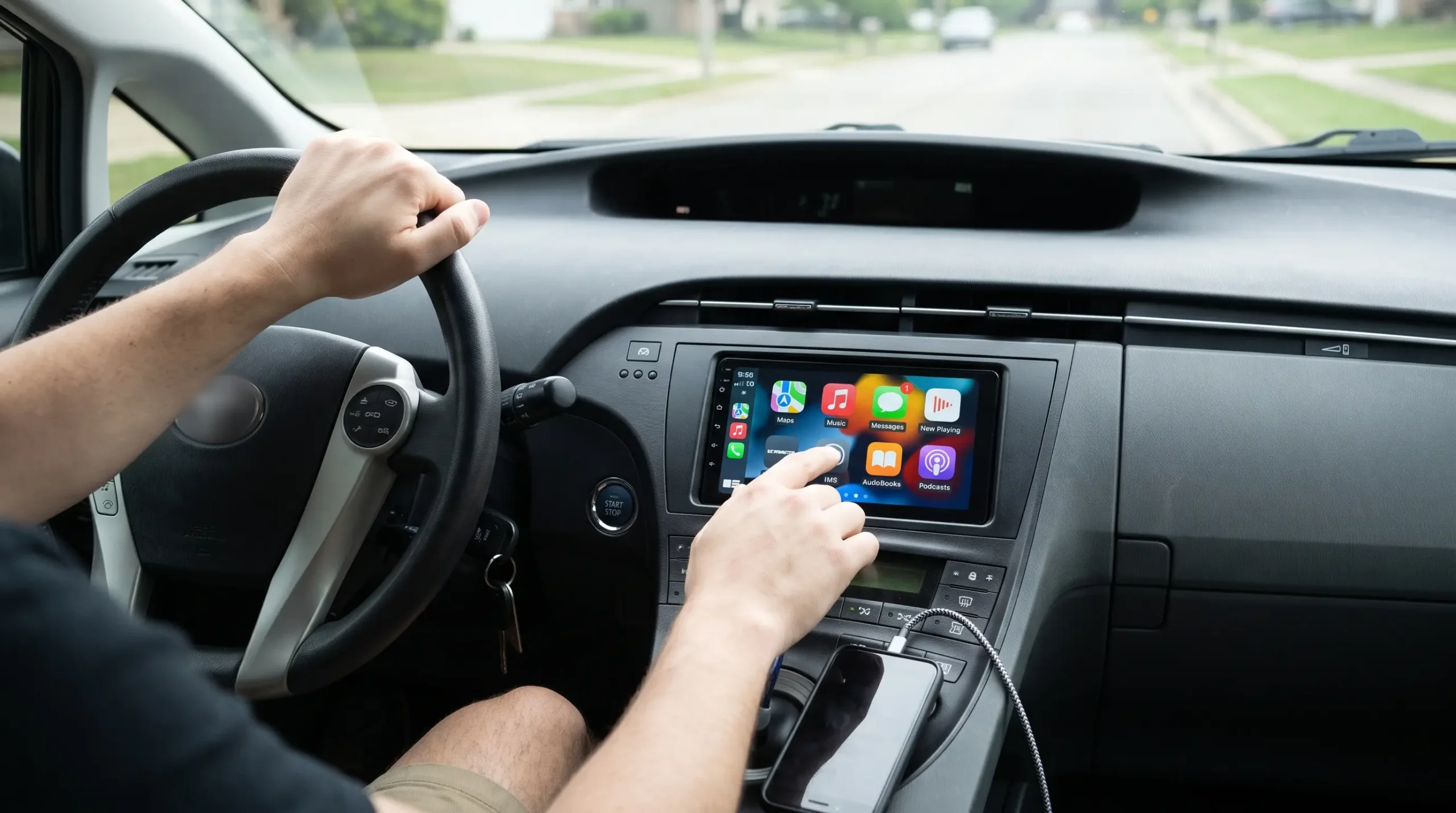
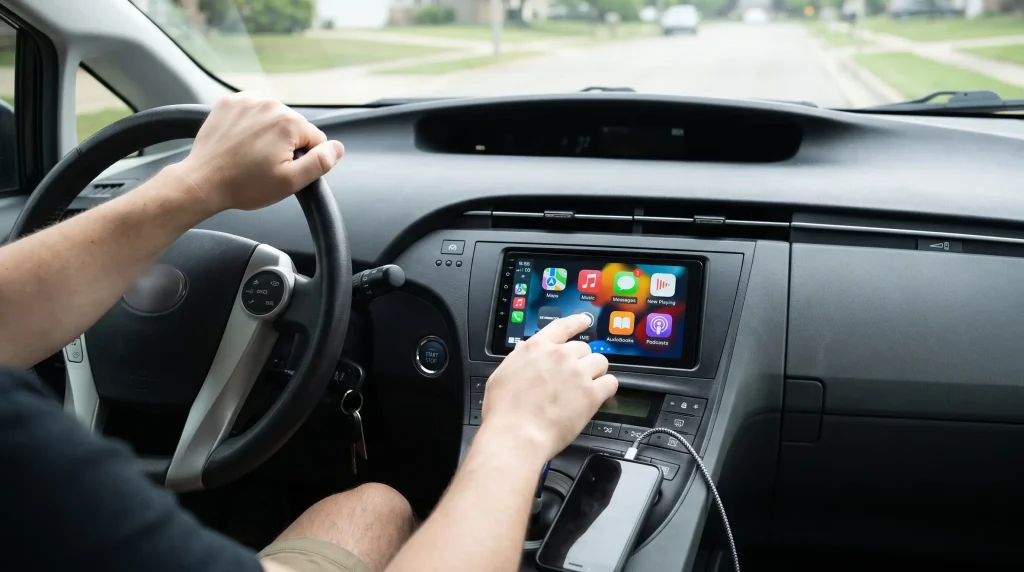
- For wired CarPlay, switch on Siri and plug your iPhone into the car’s smartphone USB port with a data-capable cable. Look for a smartphone or CarPlay symbol beside the socket. Accept any prompts and select the CarPlay icon on the dashboard if it appears.
- For wireless CarPlay, follow the pairing instructions in the manual. Turn on Bluetooth and Wi-Fi on your iPhone, put the stereo in pairing mode, then open Settings → General → CarPlay and select your car.
If the CarPlay home screen opens, you’re ready to use it. If it only works by cable and you’d prefer to leave your phone in your pocket, the wireless CarPlay guide explains the adaptor option. A wired-to-wireless adapter needs a working wired CarPlay.
2. Match the upgrade to the stereo in your dashboard
The head unit is the stereo in your dashboard. A photo of its home screen and surrounding buttons helps an installer identify your version, especially when a kit listing shows several dashboards for the same model.
| What’s in your car now? | Option to investigate | What to confirm before buying |
| An original screen with CarPlay available as a factory option | Activation of the existing system | Ask the dealer or installer whether your exact unit has the required hardware and can be activated. |
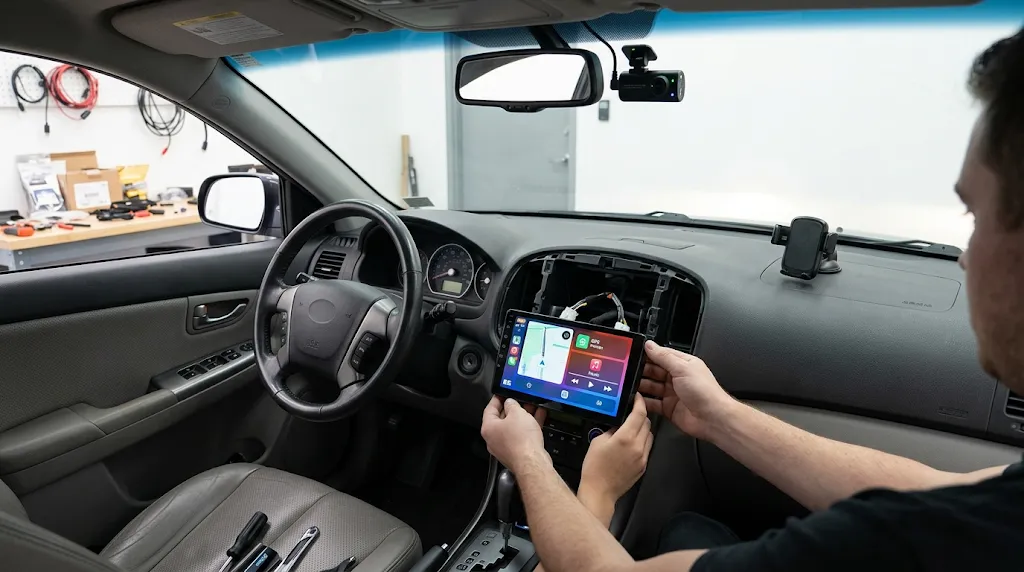
| An original screen you’d like to keep, without built-in CarPlay | A vehicle-specific retrofit module | Check the screen and head unit version against the kit. Ask how you’ll switch between CarPlay and the original menus. |
| A basic radio or CD player with no suitable screen | A replacement Apple CarPlay head unit | Ask which dash surround and wiring adaptors are needed, and whether they’re included in the fitted price. |
| A radio you want to leave in place, with room for a second screen | A portable CarPlay display | Check where it can sit without blocking your view, how it gets power and how sound reaches your speakers. |
If you own a Mazda, look for the name MZD Connect in your infotainment manual. Mazda introduced that system locally in early 2014. For cars equipped with it, Mazda Australia’s MZD Connect upgrade kit lets a dealer add CarPlay to the existing system. It includes both hardware and software.
Some portable CarPlay displays can play sound through the car’s auxiliary input or FM radio. Check which input your radio has before choosing a display.
3. Check which factory features you’ll keep
Think about what you used the last time you parked. Did the screen automatically show the reversing camera? Could you switch to a bird’s-eye view? Ask the installer to confirm each view you use. Do the same for steering wheel volume and call buttons, parking sensor tones, and any air conditioning settings you reach through the screen.
The factory sound system can change which kit fits. For example, the Nakamichi head unit for the 2009–2013 Kia Cerato excludes cars with a factory amplifier. If your Cerato falls in that year range, tell the installer which audio system it has before you order. If you’re unsure, send a photo of any speaker branding along with the dashboard.
Ask for an itemised fitted price that lists the stereo or module, dash surround, wiring, any camera or steering wheel adaptors, and labour. If one quote covers the screen alone, ask for the total with the original camera working.
Find the right CarPlay option for your car
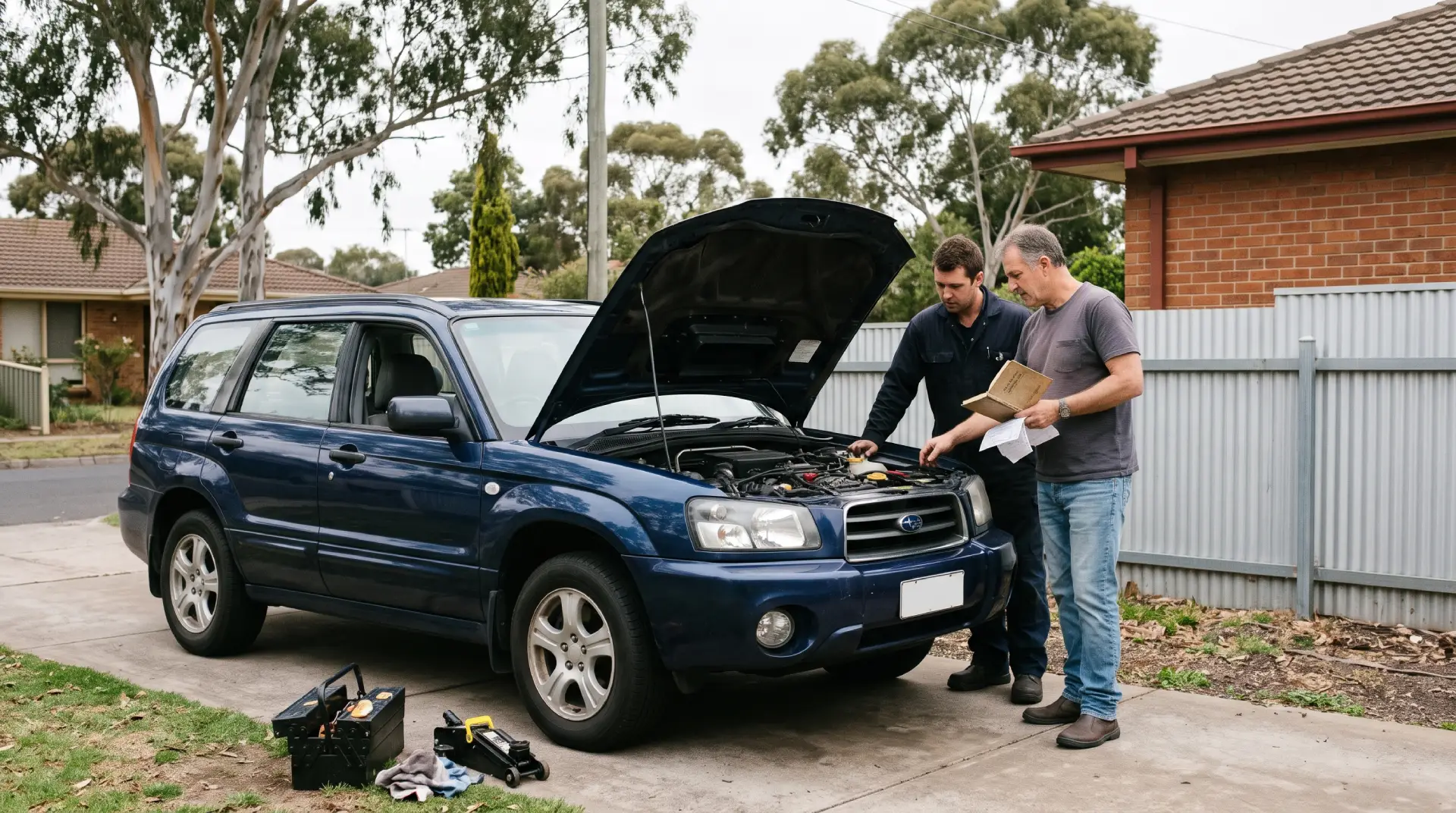
If you’d like help choosing between the CarPlay installation options, send your make, model, year and variant to Seven Smart Auto’s Lidcombe team with a clear photo of the dashboard switched on. Mention whether CarPlay opens over USB and which camera views or controls you use. Ask which option fits and what the total comes to, including installation.
Frequently asked questions
My iPhone charges, but CarPlay won’t open. Do I need a new stereo?
Try a different data-capable cable in the USB port marked for smartphone use first. If CarPlay worked before, check that Siri is on and restart the iPhone and the car’s infotainment system. A charging symbol only confirms that the port supplies power.
Can I use CarPlay maps if my car has no factory sat nav?
Yes. Once a compatible CarPlay system is fitted and connected, Apple Maps or Google Maps runs from your iPhone. If you plan to use those apps, there’s no need to pay extra for built-in maps.
Can I keep a factory screen that uses a rotary dial?
Sometimes. Ask whether the retrofit supports your exact controller and how you’ll select a destination or switch back to the radio. Seven Smart Auto’s retrofit FAQ covers dial operation on systems including BMW iDrive and Audi MMI.
I have a Japanese import. Can I buy the kit listed for my model year?
Only once the supplier confirms the Japanese-market head unit is supported. For example, the 2012–2014 Toyota Alphard and Vellfire interface suits specific factory systems. Send photos of the centre console, the powered-on screen and the rear entertainment screen if fitted.