



Imagine this: you’re cruising down the highway, music flowing, navigation guiding you seamlessly, and a quick message sent to a friend, all without ever touching your phone. This isn’t science fiction; it’s the promise of modern in-car infotainment systems, specifically Apple CarPlay and Android Auto. For years, these two giants have battled for dominance on our dashboards, each offering a unique gateway to our digital lives while on the move. But for many, the question remains: which one reigns supreme? Or, more accurately, which one is right for you? Let’s dive deep into this automotive OS showdown and uncover the features that truly matter.
What is Apple CarPlay?
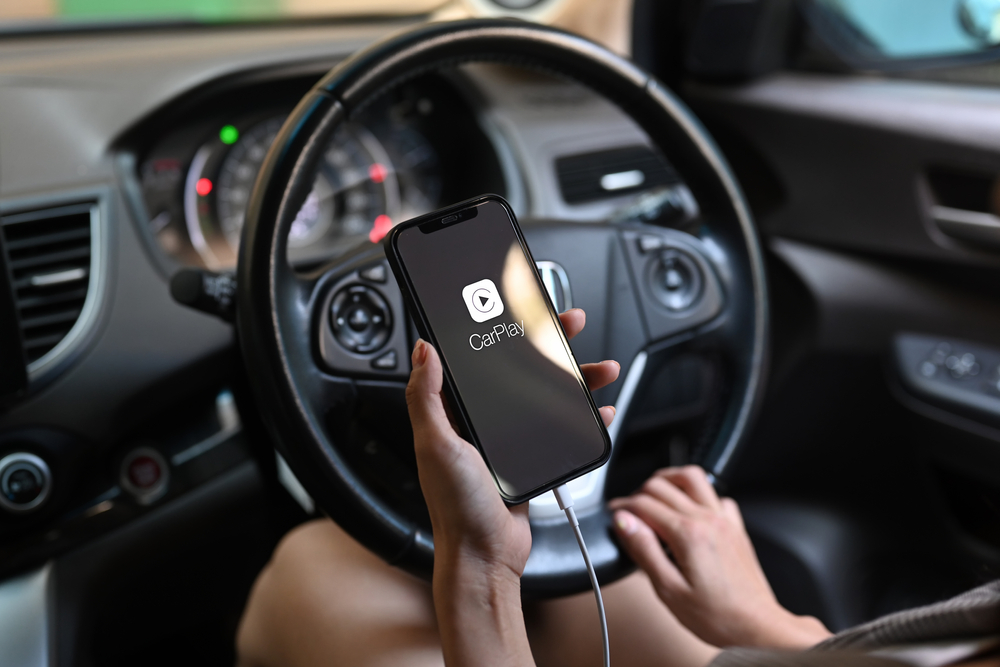
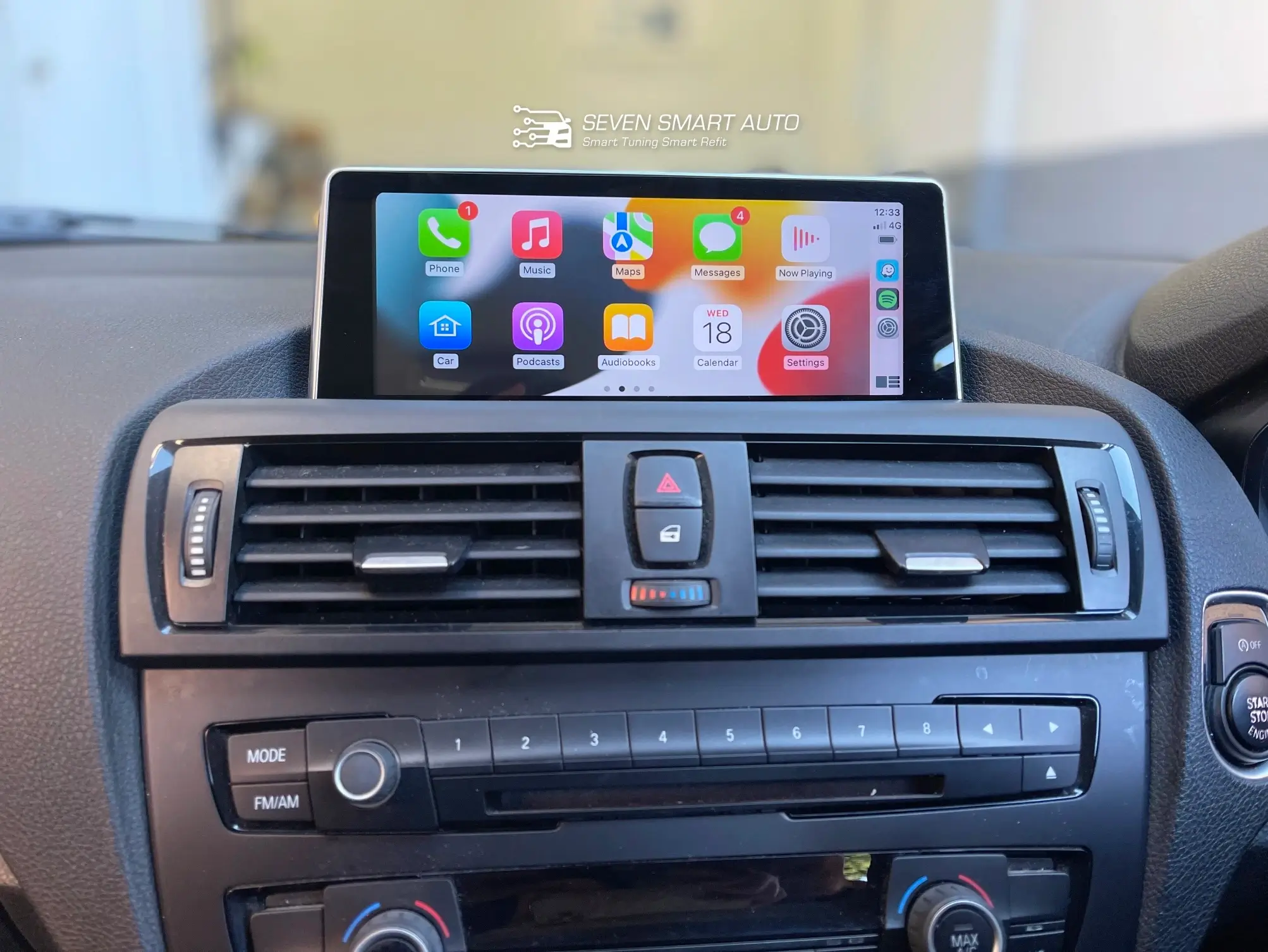
Think of Apple CarPlay as bringing your iPhone experience directly to your car’s display. It’s not an operating system in your car, but rather an extension of your iPhone. Plug it in (or connect wirelessly via Bluetooth in newer vehicles), and your car’s screen transforms into a familiar iOS-like interface. You’ll see large, easy-to-tap icons for essential apps like Maps, Phone, Messages, Music, and a host of third-party apps designed to work safely while driving. CarPlay leverages your iPhone’s processing power and data connection, ensuring you have access to your personal digital world in a driver-friendly format.
What is Android Auto?
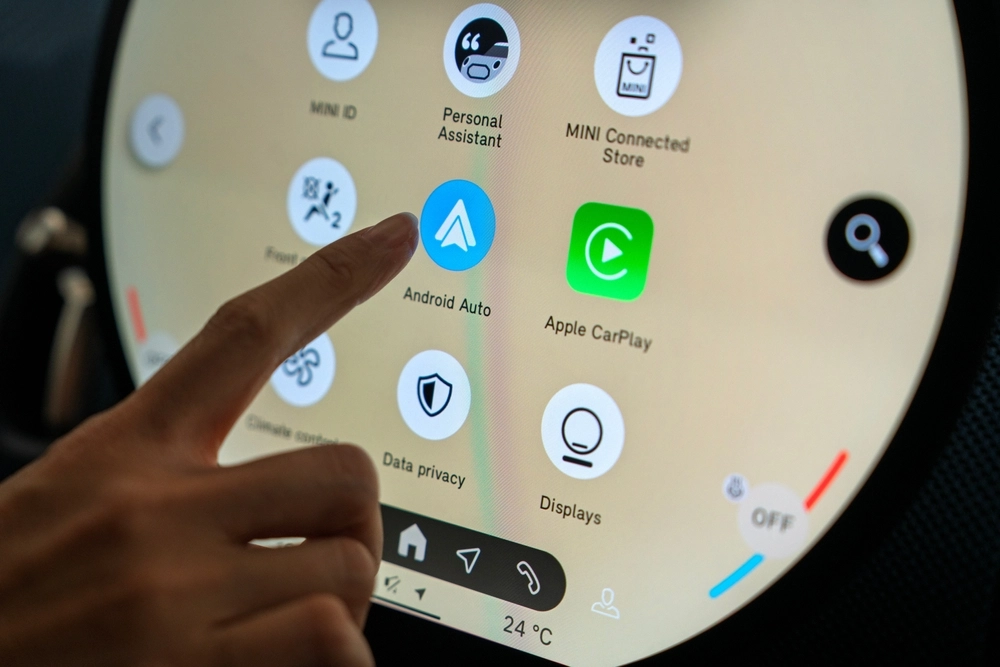
Similarly, Android Auto brings the core functionality of your Android smartphone to your car’s infotainment screen. Just like CarPlay, it’s not a standalone OS but an interface projected from your Android device. Once connected, your car’s display mirrors a simplified, driver-optimised version of your phone’s interface. It focuses on the essentials: navigation, communication, and media, presenting them with large, glanceable elements and clear typography. Android Auto taps into your phone’s apps, data, and processing, making your drive more connected and convenient.
The Features That Matter Most: A Head-to-Head Comparison
Now, let’s put these two head-to-head, feature by feature, to see where their strengths and weaknesses lie.
Interface and Ease of Use
When you first encounter CarPlay, you’ll immediately recognise the crisp, clean aesthetic of iOS. The icons are familiar, the animations are smooth, and the overall layout is intuitive if you’re an iPhone user. It’s designed for minimal distraction, with clear labelling and a consistent look across apps. Android Auto, on the other hand, embraces a more material design language, often featuring cards and a slightly more customizable home screen layout. Its “Coolwalk” redesign brought a split-screen view, allowing you to see navigation, media, and quick suggestions simultaneously without constantly switching apps. Both aim for simplicity, but CarPlay leans into the Apple ecosystem’s visual consistency, while Android Auto offers a bit more flexibility in information display.
Navigation Capabilities
Both platforms excel at navigation, leveraging their respective strengths through a variety of navigation apps. CarPlay primarily uses Apple Maps, which has significantly improved over the years with detailed 3D views, turn-by-turn directions, and real-time traffic. However, it also fully supports Google Maps and Waze, giving users a choice. Android Auto, as you’d expect, defaults to Google Maps, arguably the gold standard for navigation, with its comprehensive points of interest, live traffic, and robust search capabilities. Waze is also deeply integrated. The key difference here often boils down to personal preference for mapping services, but Android Auto’s native integration with Google Maps often feels a touch more polished.
Voice Assistant Control
This is where the battle of the digital assistants truly plays out. CarPlay relies on Siri. A simple “Hey Siri” or a press of the voice button on your steering wheel allows you to make calls, send messages, get directions, change music, and even control smart home devices using voice commands. Siri, while sometimes a little particular about phrasing, has become quite capable. Android Auto, naturally, uses Google Assistant. Its strength lies in its understanding of natural language and its vast knowledge base. Asking an assistant to find a specific type of restaurant, reply to a complex message, or even settle a trivia question often feels more fluid and accurate. For sheer versatility and understanding of conversational queries, Google Assistant often has an edge.
Messaging and Communication
Staying connected safely and hands-free is paramount. Both CarPlay and Android Auto handle calls and messages admirably. For CarPlay, your iPhone’s phone app integrates seamlessly, and messages can be read aloud by Siri and dictated back. You can also use third-party messaging apps like WhatsApp. Android Auto offers similar functionality, with Google Assistant reading messages aloud and allowing you to dictate replies. Both support group messages and incoming call notifications that don’t take over the entire screen. The experience is largely similar, designed to comply with driver distraction guidelines to minimise visual interaction with your phone while driving.
Media and Entertainment
Whether you’re a podcast fanatic or a music maestro, both platforms have you covered. CarPlay integrates with Apple Music, Podcasts, and any other audio app on your iPhone that supports the platform, such as Spotify, Pandora, or Audible. The interfaces are clean and easy to navigate. Android Auto supports Google Play Music (though YouTube Music is now Google’s primary audio service), Spotify, Podcasts, and other compatible streaming services. Both offer large album art, easy track skipping, and playlist access. The choice here largely depends on your preferred streaming service and ecosystem.
App Ecosystem and Compatibility
While both offer core functionality, the breadth of compatible third-party apps differs slightly. CarPlay has a strict approval process, ensuring apps are genuinely safe and non-distracting for in-car use. This means you’ll find navigation, audio, messaging, and parking apps, but not much beyond that. Android Auto, while also curated for safety, sometimes has a slightly broader range of compatible apps, especially in niche categories. However, neither allows for full-blown app browsing or gaming, and for good reason: safety is paramount. Compatibility with vehicles is also crucial. Most new vehicles sold today include both platforms as standard equipment, but older vehicles might be limited to one or the other.
Security and Privacy
Both Apple and Google place a high emphasis on security and privacy. Since CarPlay and Android Auto are essentially projections of your phone, the security measures of your device extend to the in-car experience. Data is handled according to each company’s privacy policies, and sensitive information like passwords or personal files is not stored on the car’s system. Your phone is the gatekeeper. Both platforms are designed to prevent malicious apps from compromising your vehicle’s systems.
Cost and Availability
This is perhaps the simplest comparison: both Apple CarPlay and Android Auto are free to use. You only need a compatible smartphone and a car (or aftermarket head unit) that supports them. As mentioned, most new vehicles offer both as standard or optional features. If your car doesn’t have them, aftermarket units from brands like Pioneer, Kenwood, and Sony can add the functionality, ranging from a few hundred to over a thousand dollars, depending on features and installation.
Apple CarPlay vs. Android Auto: Which is Better?
Asking “which is better?” is like asking which flavour of ice cream is better; it’s entirely subjective. Neither is definitively superior in all aspects. Instead, the “better” choice is the one that aligns best with your existing technology ecosystem and personal preferences.
When CarPlay Shines Brightest
CarPlay is your champion if:
- You’re an iPhone loyalist: If your daily digital life revolves around your iPhone, Apple Music, and Siri, CarPlay will feel like a natural, seamless extension. The consistent user interface will be immediately familiar.
- Simplicity is key: CarPlay’s design is often praised for its elegant simplicity and unwavering focus on essential tasks without visual clutter.
- You value tight ecosystem integration: For those deeply embedded in the Apple ecosystem, the seamless handoff between devices and the consistent experience is a major draw.
When Android Auto Takes the Wheel
Android Auto is your co-pilot if:
- You’re an Android user: Unsurprisingly, Android Auto offers the most cohesive experience for those who carry an Android phone.
- Google services are your go-to: If you live and breathe Google Maps, Google Assistant, and YouTube Music, Android Auto integrates these services with unparalleled depth.
- You prefer more contextual information: The “Coolwalk” interface with its split-screen capabilities can often present more information at a glance, reducing the need to switch between apps.
- Voice assistant performance is critical: Many users find Google Assistant to be more powerful and natural in understanding commands and queries.
The Future of In-Car Infotainment
The battle isn’t just about projecting your phone anymore. The future points towards deeper integration. We’re already seeing vehicles with built-in Android Automotive OS (a full car OS, not just a phone projection) and Apple’s announcements about “next-generation CarPlay” hinting at taking over instrument clusters and integrating more deeply with vehicle functions like climate control. These advancements promise an even more cohesive and personalised in-car digital experience, blurring the lines between your phone and your car’s native systems.
Making Your Choice: A Personal Decision
Ultimately, the decision between Apple CarPlay and Android Auto boils down to one primary factor: your smartphone. If you own an iPhone, CarPlay is the natural choice. If you own an Android device, Android Auto is your obvious pick. Both platforms are mature, reliable, and continuously improving, offering a safe and convenient way to access your digital life on the road.
If you have the luxury of choosing a new car, and you sometimes switch between phone ecosystems, testing both in the showroom is the best approach. Experience the interfaces firsthand, try out the voice assistants, and see which one feels right. Whichever you choose, both CarPlay and Android Auto are designed to make your journey safer, more enjoyable, and truly connected.
If you’re considering upgrading your vehicle’s infotainment system or want professional installation of Apple CarPlay or Android Auto, Seven Smart Auto offers expert services to get you connected quickly and safely. Experience both systems firsthand and enjoy a seamless, connected drive. Drive safe!